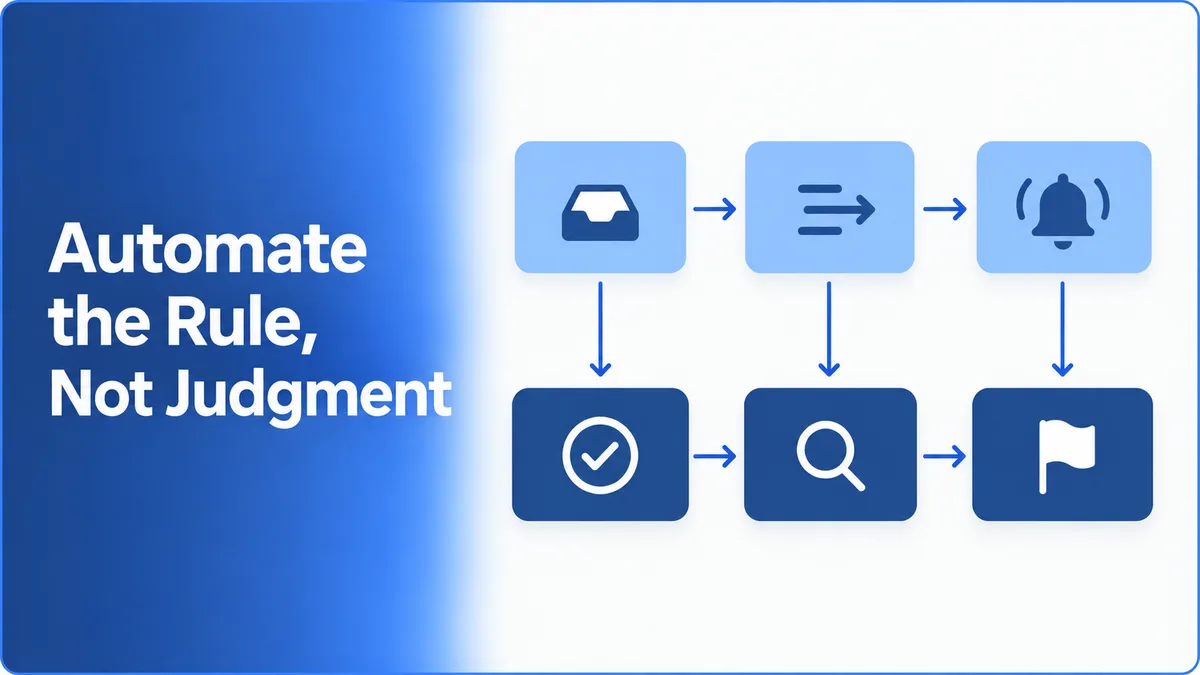
Diagram of two rows of connected cards: a light-blue top row with inbox, sorting and notification icons, arrows leading down to a navy bottom row with checkmark, magnifying glass and flag icons, beside the text "Automate the Rule, Not Judgment"

Technology

Where We Automate Manual Work — and Where We Deliberately Don't

Caspira Solutions — Business Operations Team6 min read

Every operations team has a list of tasks that happen the same way every time and still get done by hand. It isn't because nobody thought of automating them. It's because nobody has had the time to step back and do it properly.

The harder question isn't whether to automate. It's what. Automate the wrong task and you get a brittle script that someone has to babysit. Automate the right task in the wrong way and you get a tool nobody can change once the process moves on.

Here's how we choose what to automate, how we build it so it stays useful, and the places where we deliberately keep a person in charge, even when a script could technically do the job.

What makes a task worth automating

We look for three things together: the task is repetitive, it's rule-based, and it follows a predictable pattern, and it takes up a meaningful share of someone's day. A task needs all of these. Something repetitive but full of judgment calls isn't a good candidate. Neither is something rule-based that happens twice a year.

A useful test is whether you can write the rule down without the phrase "it depends." If the honest description of a step is "move the ticket to billing when the customer mentions an invoice," that's a rule. If it's "move it to billing unless it's really a product complaint, in which case it depends who the customer is," that's a decision, and it belongs to a person.

Most processes contain both. So we rarely automate a whole workflow at once. We automate the rule-based steps around the decision and leave the decision itself where it is.

Start with the tasks that matter most, not everything at once

It's tempting to map every manual task and automate the lot. We don't. We rank the candidates by how much immediate, visible difference each one makes to the team's day, and start at the top.

This does two things. The team sees the benefit quickly, which makes the next automation easier to adopt. And we learn how that team's process actually behaves in practice before building anything bigger on top of it.

Build it so it can change

A process that's automated today will change. New tools, new team structures, new edge cases. An automation that can only be changed by the person who built it turns into the same kind of fragile, undocumented dependency that makes support workflows break when staff turn over.

So automations are built to be configurable: the rules, thresholds and routing live somewhere the team can update as the process evolves, rather than being hard-coded. The goal is a tool that keeps up with the process, not one that becomes another piece of legacy tooling a few months later.

Where we deliberately don't automate

The goal is to remove repetitive work, not roles. In practice, that means there are a few places where we keep a person responsible on purpose.

The pattern across all four below is the same: automate moving the information, and keep the decision and the accountability with a person.

  • ›Taking ownership. In our shift handoffs, tooling carries the alert: urgent items are flagged in the channel the next shift is watching. But the handoff isn't complete until a specific person confirms they've picked up a specific item. An automated "delivered" status tells you a message arrived. It doesn't tell you someone took responsibility for it.
  • ›Deciding what a pattern means. After we crossed 200+ reviews, we moved to a fixed weekly review in which people look at all the feedback together, and every recurring issue gets a named owner. Collecting feedback in one place is worth automating. Deciding which pattern matters, and who should fix it, isn't.
  • ›Judgment calls in customer conversations. When we set up AI assistants, sensitive or compliance-related questions are routed to a human rather than answered automatically. The routing is automated. The answer isn't.
  • ›Exceptions. When something doesn't fit the standard process, it gets logged, and people review those logs. Exceptions are where the next version of the process comes from, so hiding them behind an automated fallback would mean losing the most useful signal the team has.

What makes this harder than it sounds

The line between a rule and a decision isn't always obvious from the outside. A step that looks mechanical in a process document often turns out, once you talk to the people doing it, to include a quiet judgment call that no one ever wrote down. That's why we look at how a task is actually done, not just how it's documented, before deciding it's safe to automate.

The other trap is automating a process that isn't working. A script will repeat a broken step faster and more consistently than a person would. Sometimes the right first move is fixing the process, and automating it afterward.

Key takeaways

  • ›Most teams don't lack automation ideas. They lack a way to choose between them.
  • ›The best candidates are repetitive, rule-based, predictable and time-consuming, all at once.
  • ›If a step can't be described without "it depends," it's a decision, not a rule. Automate around it, not through it.
  • ›Start with the automations that make the most immediate difference, not with everything at once.
  • ›Build automations to be configurable, so they can change with the process instead of freezing it.
  • ›Automate moving the information. Keep ownership, judgment and exceptions with a person.

Frequently Asked Questions

We look for tasks that are repetitive, rule-based and predictable, and that take up a meaningful amount of the team's time, then rank them by how much immediate difference automating each one would make.

The goal is to remove repetitive manual work, not roles, so your team can spend more of its time on the judgment-based work that automation can't replace.

Automations are built to be configurable, so the rules and routing can be updated as your process evolves instead of needing to be rebuilt from scratch.

Anything where the real work is a judgment call or taking responsibility: confirming ownership of a task, deciding what a pattern in feedback means, or answering sensitive customer questions. We automate the steps around those decisions, not the decisions themselves.

AutomationBusiness OperationsProcess

Related service

Automation tools to reduce manual workload

Targeted automation that removes repetitive manual work from your team's day-to-day.

Contact Us

Previous

What Changed After We Hit 200+ Reviews

More in Technology

Why Most Internal Dashboards Fail in the First 90 Days

A dashboard nobody opens after week one isn't a tooling problem — it's usually a sign the wrong questions got answered. Here's what we see go wrong.

What It Looks Like to Unify Live Chat, Email, and Messaging Support

A walkthrough of how we typically bring live chat, email, and messaging platforms into a single support workflow — and the decisions that matter most along the way.

How We Design Support Workflows That Survive Staff Turnover

Most support workflows fall apart the moment a key person leaves — not because the process was wrong, but because it only existed in someone's head. Here's how we design around that from the start.

What to Track When Measuring Support Quality (and What to Ignore)

Most support quality dashboards are full of numbers that are easy to measure and don't mean much. Here's the small set of metrics we actually trust, and the popular ones we deliberately leave out.

How We Turn a Messy Knowledge Base Into Something an AI Assistant Can Actually Use

Most companies already have the answers an AI assistant needs — scattered across old FAQs, SOPs, and support transcripts. Here's how we consolidate that into something an assistant can actually draw accurate answers from.

Why Most Design Systems Fail to Get Adopted (and What We Do Differently)

A design system launches to real excitement, gets used carefully on the first project, and then quietly stops being followed. Here's the pattern we see repeatedly, and what we build differently to avoid it.

What Breaks When You Add a Third Language to a Website

A walkthrough of what typically goes wrong the first time a website expands past two languages — and the structural decisions that prevent it from happening again.

How We Decide What an AI Assistant Should Refuse to Answer

An AI assistant that answers everything confidently is more dangerous than one that says "I don't know." Here's how we define the boundaries of what it should and shouldn't attempt to answer.

How We Know an AI Assistant Is Ready to Launch

An AI assistant that answers confidently when it shouldn't is a harder failure than one that says it doesn't know. Here's the pre-launch test that has to pass before any assistant we build goes live, and what happens when it doesn't.

How We Design Shift Handoffs So Nothing Gets Dropped

The costliest support failures often happen in the handoff between shifts, not during either shift itself. Here's how we design scheduling and handoff processes to close that gap.